Once you are in the app, log in to access all attendee content. Click the button in the upper-right corner and select "Login" to create your account.
IMPORTANT: Please create your account with the same email address you used for registration. Only registered attendees, exhibitors, and sponsors will have access to the attendee tab.
Download the CrowdComms app from the Apple App Store or Google Play and enter the event shortcode: iwpc2026. You may also access the web version if you prefer not to download the app.
Once you are in the app, you will need to log in to view content that is restricted to conference registrants. Click the icon in the upper-right corner of the app and select "login." Enter your email address and you will be prompted to create your account. Once you are logged in, you should be able to see the "Attendee" tab. Please be sure to use the email address you registered for the conference with - otherwise you will not be recognized as a conference registrant.
After downloading the app, open it and you will be prompted to enter an event shortcode. Enter the following to access the conference event: iwpc2026
You must log in using the same email address you used when registering for the conference. Only registered attendees, exhibitors, and sponsors will have access to restricted content. If you have already done this and still cannot see the Attendee tab, please contact IWEA's Executive Manager
On the login screen, select “Forgot Password” and follow the prompts to reset it. Be sure you are using the same email address associated with your conference registration.
An internet connection (Wi-Fi or cellular data) is required to log in, receive updates, and interact with other attendees. Some previously loaded content may still be viewable offline.
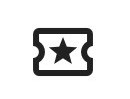
Browse the agenda within the app and select sessions you wish to attend. Choose the ticket-shaped icon (see below) to add them to your personal schedule for quick reference. Once you have added sessions to your schedule, click the icon in the upper-right corner and select "My Event Schedule" to see your selections.
Within any company or attendee profile, there is a chat function which allows you to send messages directly within the app.
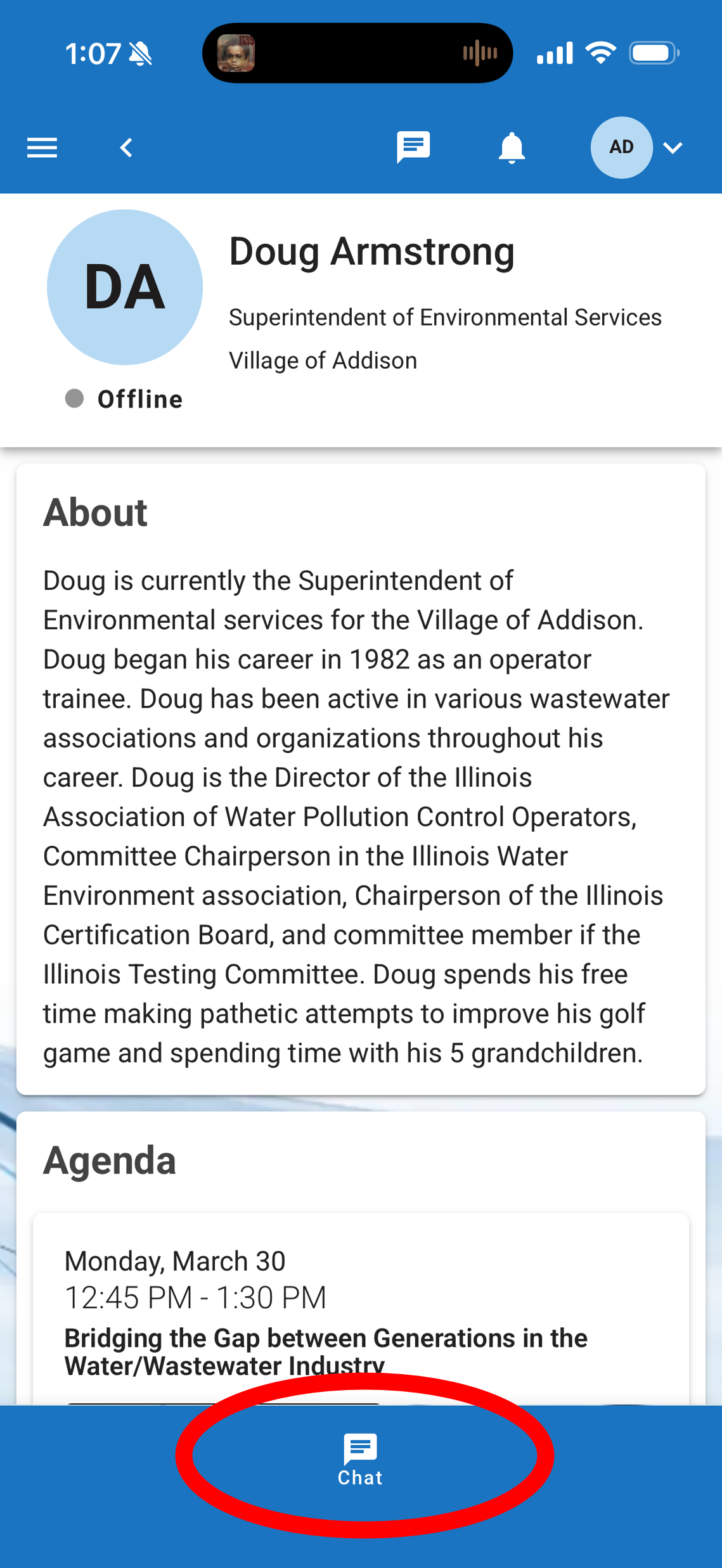
To contact an attendee, navigate to the "Attendee" menu and click on the profile of the person you want to contact. Simply click on the button that says "chat" at the bottom of the screen.
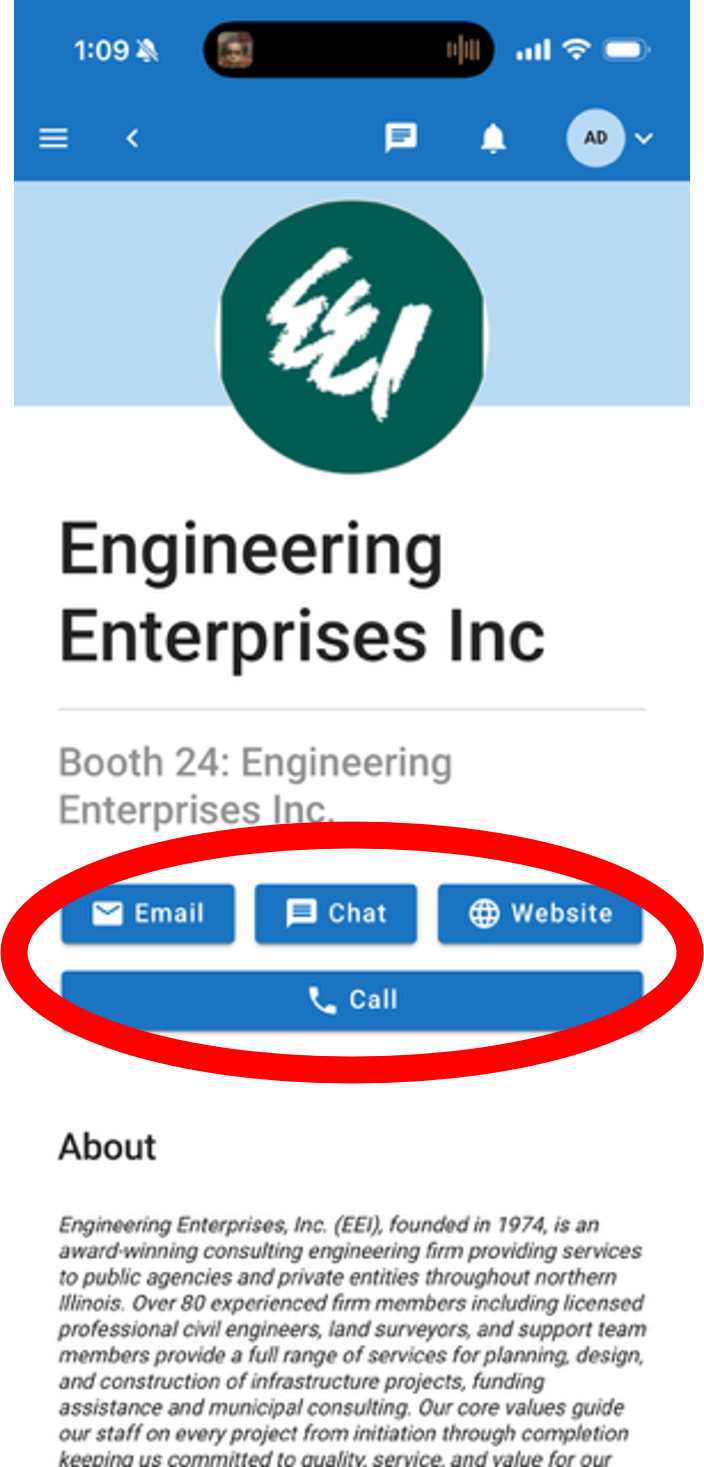
Contacting exhibitors and sponsors works similarly, with a chat button near the top of their profile. If the company has entered an email address and phone number, these will also appear as contact options.
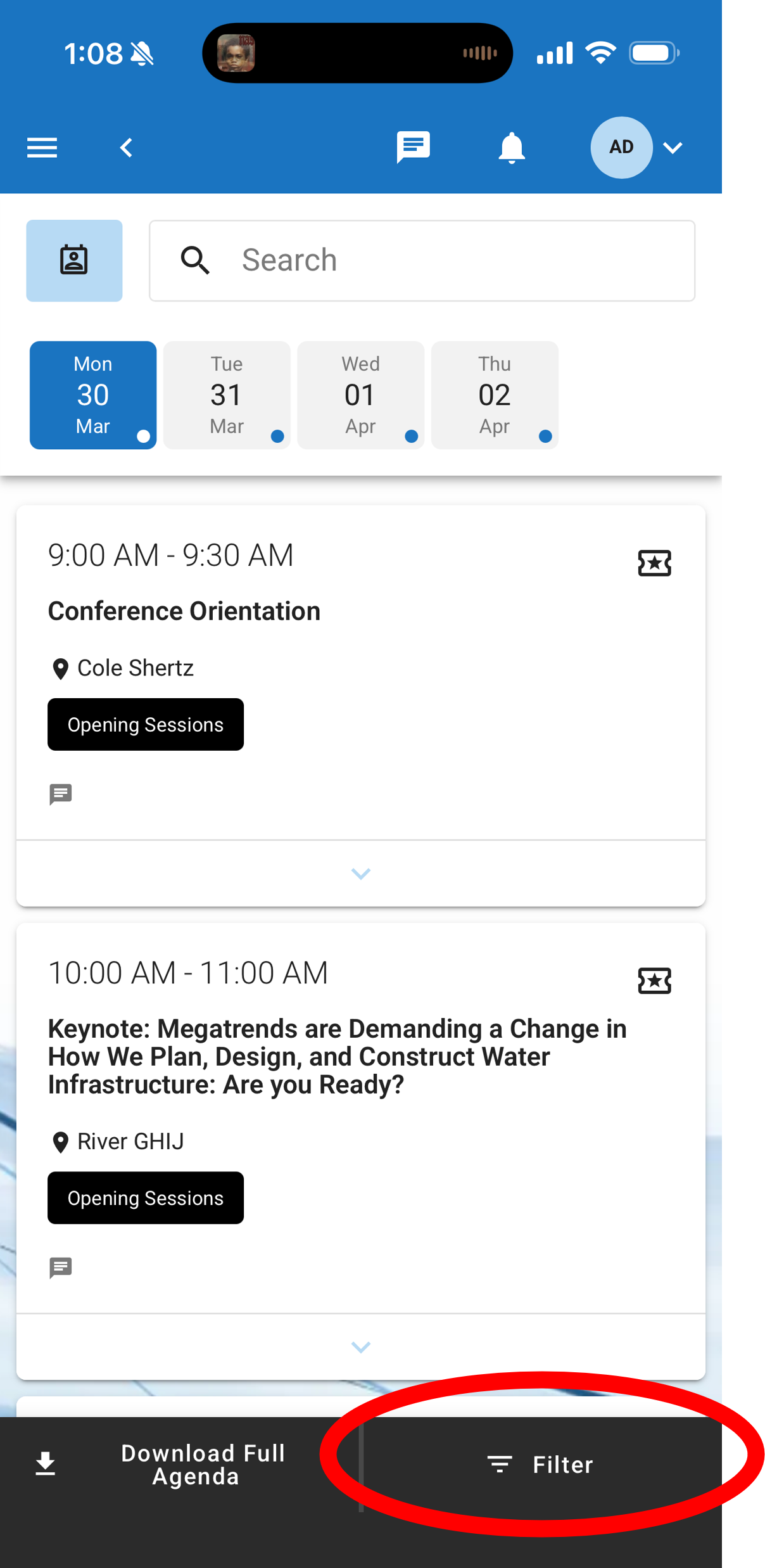
The "filter" function within the app allows you to select only the tracks you are interested in. When you navigate to the agenda, there is a black button on the bottom that says "Filter." Simply click here and check any of the filters that interest you to see those sessions.
Enable notifications for the app on your device to receive important announcements and updates during the conference.
Try closing and reopening the app first. If the issue continues, confirm you are using the latest version of the app. For further assistance, contact IWEA's Executive Manager.